
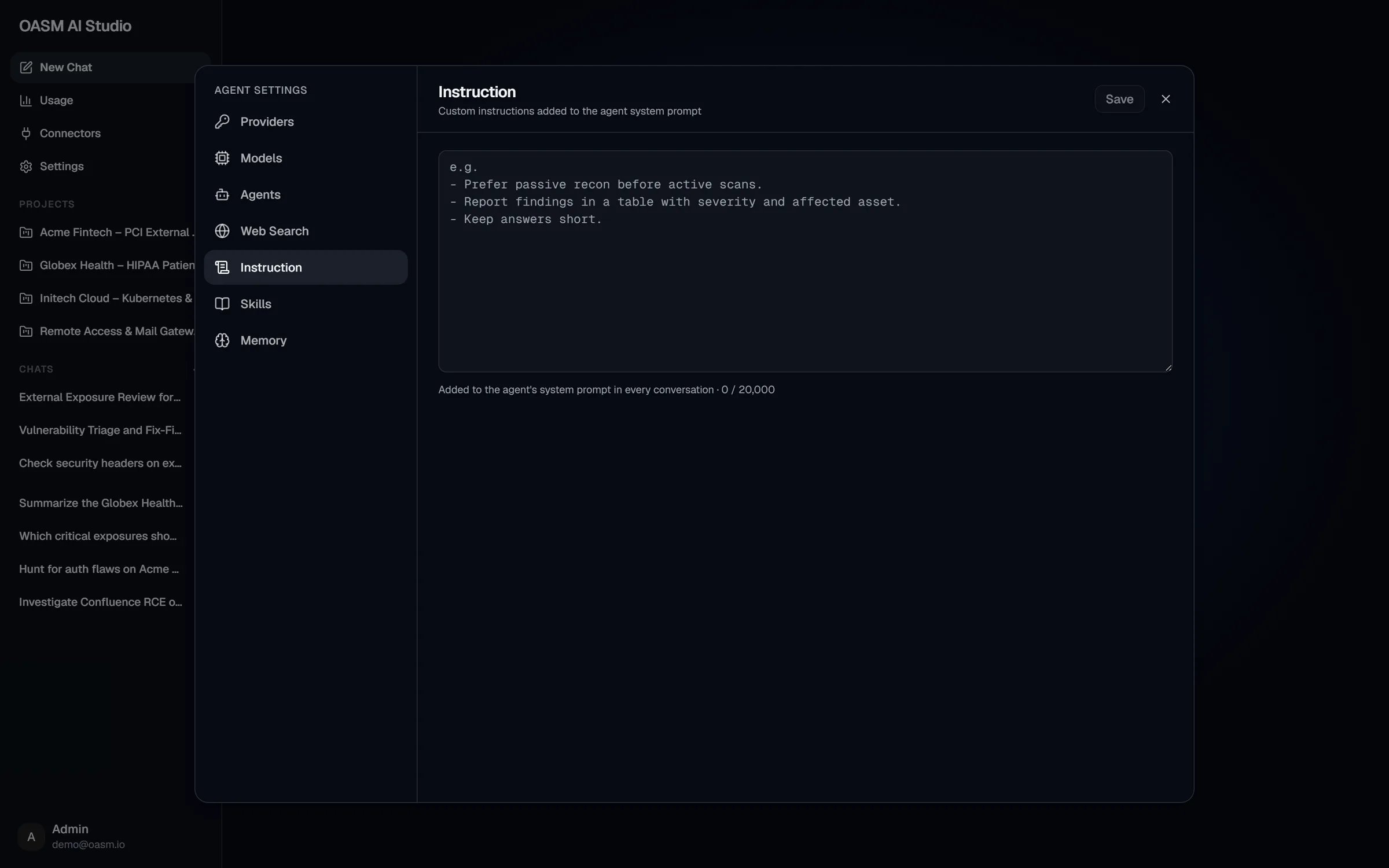
Settings → Instruction, empty, with the example placeholder
Scope
The instruction is personal. It applies to the conversations you start in the current workspace, not to other members’ chats and not to your chats in other workspaces. Each member writes their own. It is sent to the main agent only. Subagents run on their own system prompts and the brief the main agent writes for them, so state a rule a subagent must follow in your request, where the main agent can include it in the brief (itsmust_do and must_not lists).
Write or change the instruction
1
Open Instruction
In AI Studio, open Settings → Instruction.
2
Write your instructions
Type in the text box. The counter below it shows how many characters you used, up to 20,000.
3
Save
Click Save in the header. The console confirms with “Instruction saved”. Discard restores the saved text.
Examples of good instructions
Good instructions are short, concrete and stable: things that are true for most of your work, written as rules.- Secrets. Never put API keys, passwords or tokens in the instruction.
- One-off tasks. Put those in the chat message instead.
- Engagement-specific rules. Scope and rules of engagement for one client belong in that project’s instructions (see below).
How it combines with project instructions
A project chat can also carry the project’s own instructions, set in the project’s Settings tab. In a project chat the agent receives both: your personal instruction first, then the project’s instruction, which is marked as set by the project’s members. Neither replaces the other, so keep them consistent:- Instruction (this setting): how you like to work, across every chat in the workspace.
- Project instructions: what applies to one project, for every member who chats from it.
Related
Project chats
Project instructions and reference files
Memory
Let the agent remember facts across conversations
Skills
Longer procedures the agent loads only when needed